





















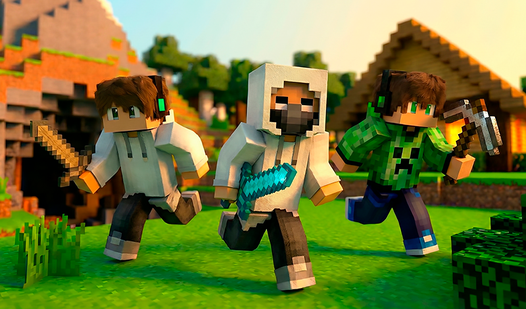
Strike Sandbox
Strike Sandbox - Play Online
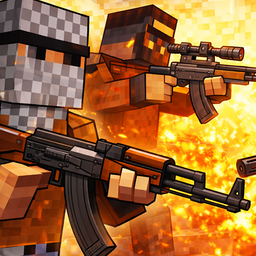
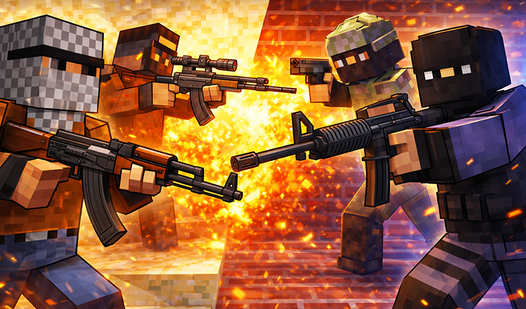
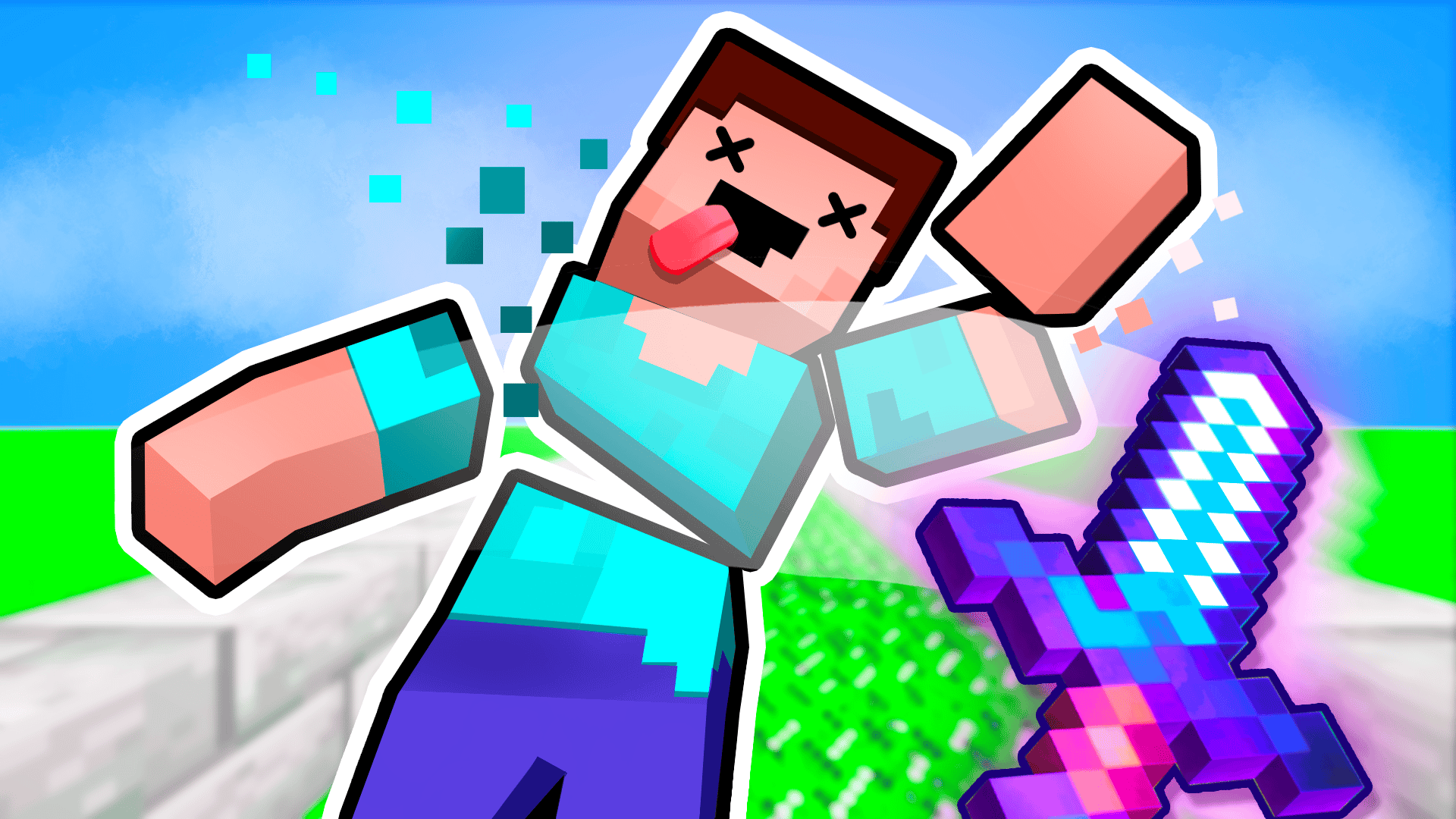
Spawn. Arm. Detonate. Strike Sandbox hands you voxel blocks, weapons, and zero rules. Build arenas from scratch, drop AI characters into the chaos, and watch your experiments explode in real-time physics. No objectives. No limits. Just instant browser-based destruction on any device.
How to Play Strike Sandbox
Toggle between build mode and combat with F. Place blocks to construct fortifications, spawn characters from inventory with R, then arm them with rifles, explosives, or melee weapons. Watch AI fighters battle while you rain down rockets or switch to first-person to join the fight. Fly with E/Q to survey the battlefield, drop items with T, and rebuild after each explosive test.
Building and Spawning
Left-click places voxel blocks—wood, stone, TNT barrels. Stack defensive walls or platforms, then press R to open inventory. Spawn multiple characters, assign factions, and scatter weapons across the map. The placement grid snaps blocks into position while you design multi-level arenas or simple firing ranges. Build and Crush shares this construct-then-destroy cycle with vehicle combat layered on top for even more chaotic sandbox physics.
Combat Mechanics
Left-click fires equipped weapons—pistols, scoped rifles, rocket launchers. Projectiles follow basic trajectory with explosive splash damage carving chunks from structures. Press X to drop your current weapon and grab another. Switch to control mode with F to possess characters and aim manually, or let AI pathfinding handle skirmishes while you orchestrate from above. Explosions trigger white particle bursts and send ragdoll bodies flying. For pure voxel gunplay across competitive arenas, Pixel Warfare delivers the same blocky FPS action with multiplayer focus and tactical weapon variety.
Experimentation Strategies
Chain TNT barrels for mass demolition tests. Build tall towers then undermine foundations to trigger collapse physics. Spawn two groups on opposite platforms and toss them identical loadouts to observe weapon balance. Fly overhead during battles to adjust spawn rates or introduce surprise explosives mid-fight. The sandbox responds to every interaction—drop a rocket launcher into a crowd or barricade a choke point with stone blocks. Minecraft games enthusiasts will recognize the creative freedom here, amplified by instant combat mechanics and destructible everything.
Key Features
- Full Sandbox Control: Build structures block-by-block, spawn characters, distribute weapons, and trigger battles without preset objectives or timers.
- Voxel Aesthetic: Blocky textures with basic vertex lighting create a recognizable low-fidelity style optimized for browser play on desktop, Android, and iOS.
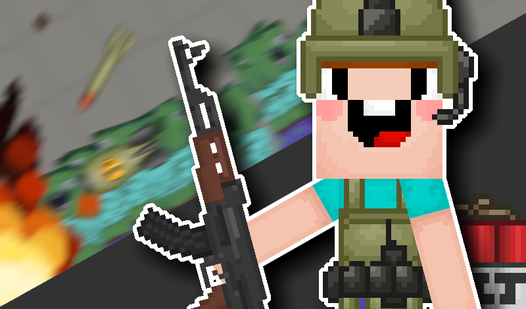
- Physics-Driven Destruction: Explosives carve terrain, structures collapse under damage, and ragdoll characters react to blast force with visible particle effects.
- Dual Perspective Modes: Fly freely to orchestrate large-scale battles or drop into first-person to fight alongside spawned units using direct weapon controls.
Who is Strike Sandbox for?
Younger players craving instant creative freedom find the zero-download setup perfect for quick experimental sessions. Fans of action games looking to design custom arenas appreciate the blend of construction and combat. Simulation games enthusiasts enjoy testing structural integrity under explosive stress. Anyone who finds satisfaction in controlled chaos—building elaborate traps then watching AI navigate them—will loop back for endless permutations.
Developer
Strike Sandbox was developed by DNCHRDEV. The game combines voxel-based building with physics-driven warfare in a browser-accessible sandbox, requiring no downloads across desktop and mobile platforms.
Controls
- WASD: Move character
- Left Mouse Button: Build blocks / Destroy terrain / Fire weapons
- Tab: Open settings menu
- E: Ascend in fly mode
- Q: Descend in fly mode
- R: Access inventory to spawn characters and items
- T: Drop currently held item
- X: Drop equipped weapon
- F: Toggle between character control and build mode
- Mobile: On-screen touch buttons for all actions
FAQ
Can I play Strike Sandbox on mobile devices?
Yes. Strike Sandbox runs on Android and iOS through browser-based play using on-screen touch controls for movement, building, and combat actions.
How do I spawn characters in Strike Sandbox?
Press R to open your inventory, select character models, then left-click to place them in the arena. Distribute weapons by dropping items near spawned units.
Does Strike Sandbox have multiplayer modes?
No. The game focuses on single-player sandbox experimentation where you control all elements—building, spawning AI characters, and orchestrating battles.
What weapons are available in Strike Sandbox?
The arsenal includes pistols, scoped rifles, rocket launchers, melee weapons, and explosive TNT barrels for large-scale destruction tests.
Can I save my creations in Strike Sandbox?
The game emphasizes session-based experimentation. Each playthrough starts fresh, encouraging improvisation and new scenarios rather than persistent world-building.